
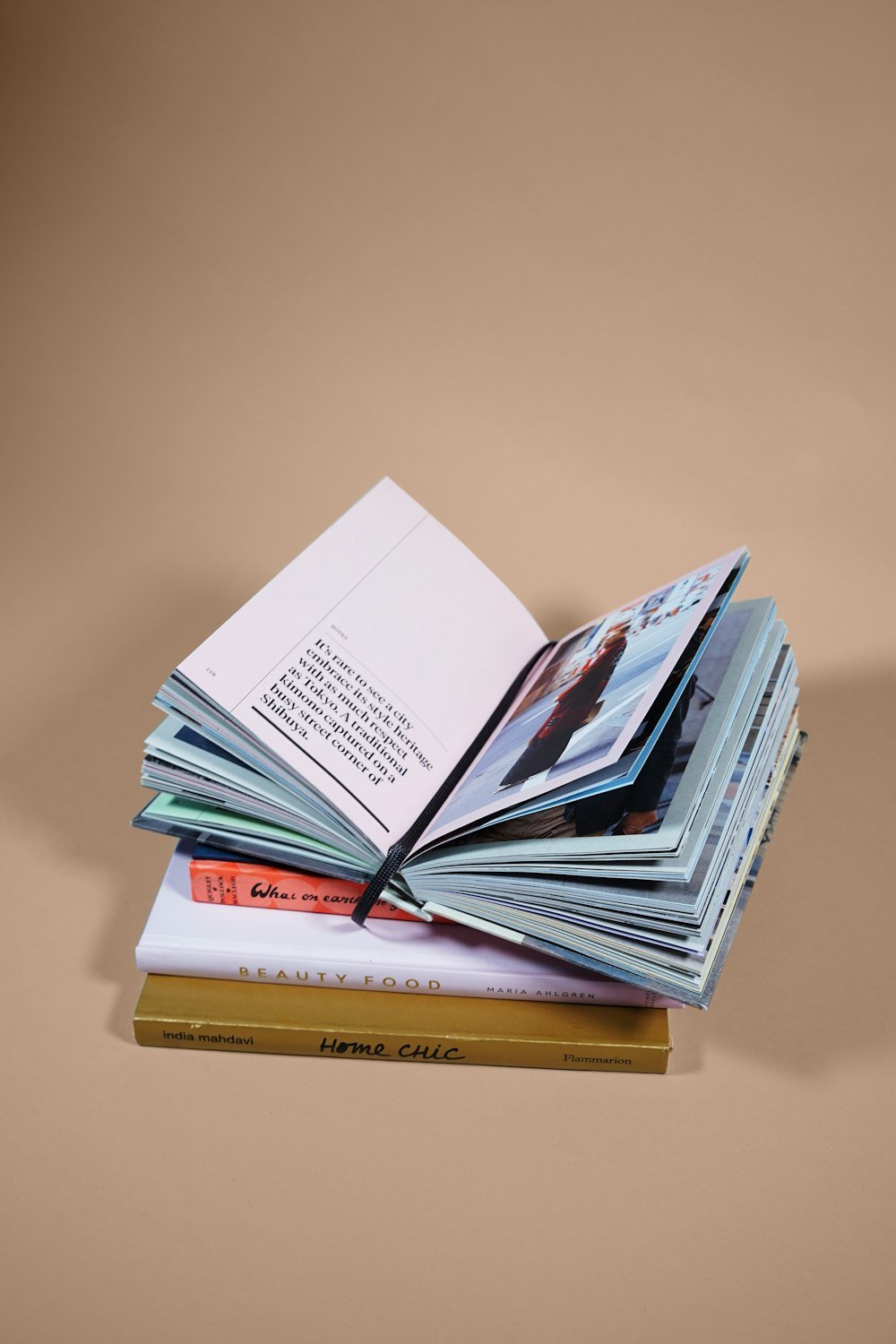
How to Turn Your Blog Into a Book and Sell on Amazon
To be honest, I never considered myself a “writer”. For me, the blog was just my small space where I could write my thoughts. But one day, a friend of mine casually said – “Why don’t you convert your blog into a book?”
At first, I laughed it off. I thought only “big writers” write books, not me. But gradually this thought settled in my mind. And when I looked seriously, I realized – it is not that difficult. Today Amazon has made everything easy.
So in this blog, I will not tell you step-by-step, but with my own experiences and stories, how you can convert your blog into a book and sell it on Amazon.
Why convert a blog into a book?
When I first thought that my blog could become a book, honestly I thought it was stupid. But then I saw that the only difference between a blog and a book is that – the blog is the seed and the book is its tree.
In my experience, it has many advantages:
Credibility
Suppose someone searches you on Google and you have a blog there and a book on Amazon. Tell me, which one will seem more effective? The book one. Having a book makes people consider you a serious writer.
New Audience
I think not everyone reads blogs. Many people prefer to read Kindle or paperback books. That means the book connects you to a new class of readers.
Monetization
Sometimes you get some advertising money from a blog, but a book brings royalty on every sale. On Amazon, you can earn up to 70% royalty.
Your work becomes permanent
Websites shut down, but the book remains forever. In my experience, publishing a book gives you the satisfaction that your writing will always remain alive.
Step 1: Choose the right blog post
When I started, the biggest mistake was that I wanted to put everything in the book. But the book needs a theme.
My learning:
Choose only one topic. For example, if your blog is on travel, food and self-help, then choose only one for the book, like “My Travel Diary”.
See which blogs are read or shared the most. Those are the ones your readers like the most.
Think about which problem the reader of the book wants to solve. A book is always an answer to a question.
Step 2: Make an outline of the book
Writing without an outline is like walking in the dark.
I think a book should be considered a journey, where the reader walks with you from the beginning to the end.
Example (for a productivity blog):
My lazy mornings and the problems they caused
Small habits that made a difference
Apps and tools that I really use
My failures (like when the routine failed completely)
My tips for forming habits
30-day plan
This format will look like a story, not boring chapters.
Step 3: Don’t copy-paste, rewrite
I myself made this mistake. I copied old blogs and put them in Word. The result? A scattered book.
From my experience:
Make a chapter by combining two-three blogs.
Remove things related to time (like “last week”). The book should be timeless.
Add new stories. Like I wrote in the book that I started journaling five times and failed, then formed a habit the sixth time.
Step 4: Editing and polishing
Editing is the most tiring but most important step.
What I do:
I write and read it out loud. Awkward sentences are caught immediately.
I use Grammarly or a Hindi grammar checker.
I get a friend to read it. He once told me that I write “sach bataoon toh” a lot of times.
Step 5: Cover Design
Seriously, people judge a book by its cover.
In my experience:
Canva is very useful.
The title should be big and clear.
The colors should match the mood of the book.
I designed my first book using Canva and later saved some money and got it made by a designer. The difference was clearly visible.
Step 6: Publish on Amazon KDP
I was nervous while uploading for the first time. I thought it would be very complicated. But it turned out to be easier than blogging.
Steps:
Go to kdp.amazon.com.
Login with an Amazon account.
Fill in the details of the book (title, description).
Upload Manuscript and cover.
Choose eBook or paperback.
Set the price.
I had kept the first book for ₹199 and people bought it. They might not have bought it at a higher price.
Step 7: Marketing
Here I got scared. Writing was easy, but promoting the book? It seemed difficult.
Then I did this:
Told the blog readers first. They supported me.
Put small snippets on social media, like quotes and a photo of my writing desk.
Choose Amazon keywords carefully. Vague titles do not work.
When the first review was written by an unknown person, believe me, my eyes filled with tears.
Step 8: Life after publishing
Life changes as soon as the book is published.
In my experience:
College invited me to give a talk.
An invitation came from a podcast.
A reader emailed me – “Your book helped me.” That was probably my biggest achievement.
Inspiring story:
There was a blogger named Julie Powell, who wrote a blog on Julia Child’s recipes. Her blog became a book (Julie & Julia), and then a film.
Maybe our blogs don’t become films, but the dream of becoming a book is very real.